


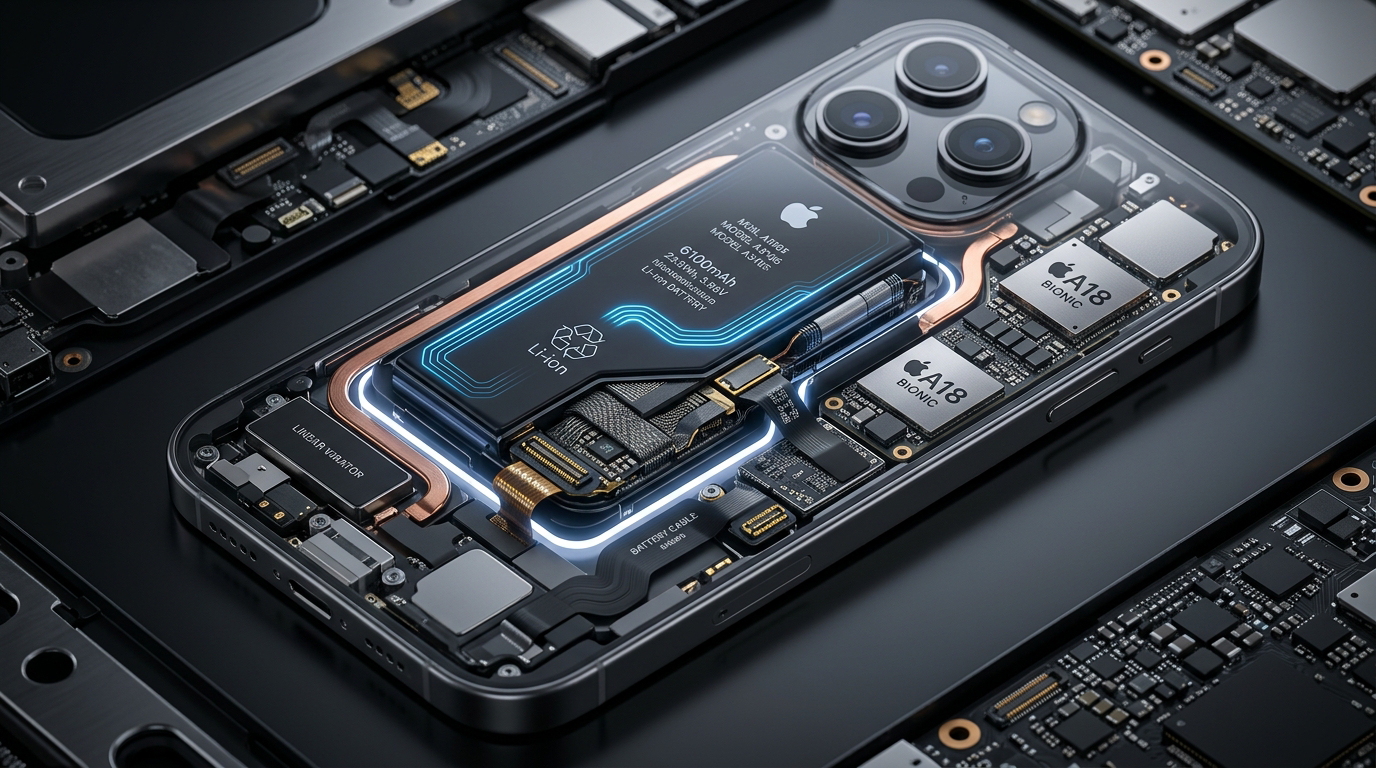
Your iPhone’s battery life depends on how you use your device each day. By making a few simple adjustments, you can extend battery performance, reduce unnecessary power consumption, and keep your phone running longer between charges.
Simple Tips That Make a Difference
Lowering your screen brightness, enabling Low Power Mode, and closing apps you no longer use can significantly improve battery life. Keeping your iPhone updated also ensures you benefit from the latest battery optimizations and performance improvements.
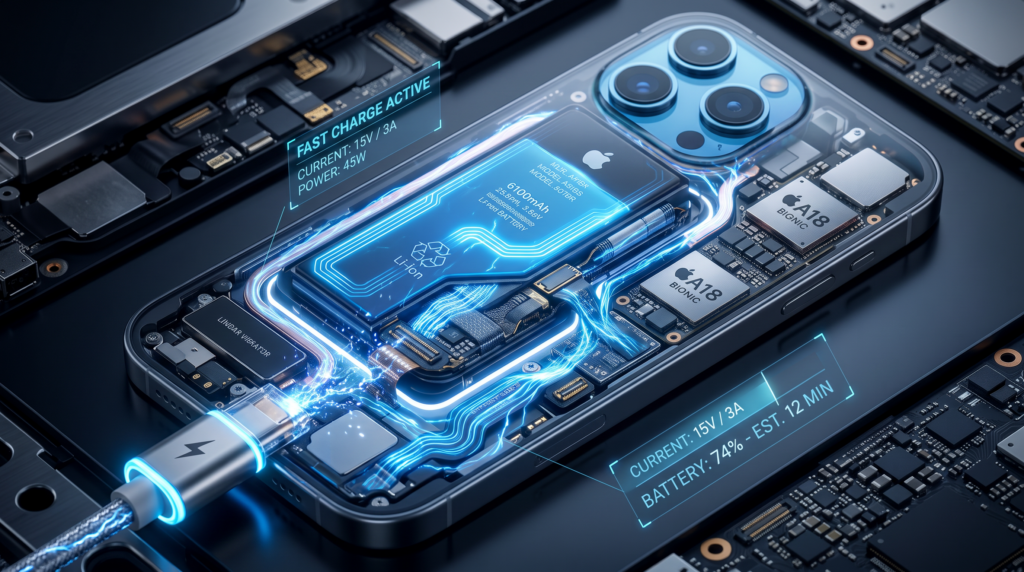
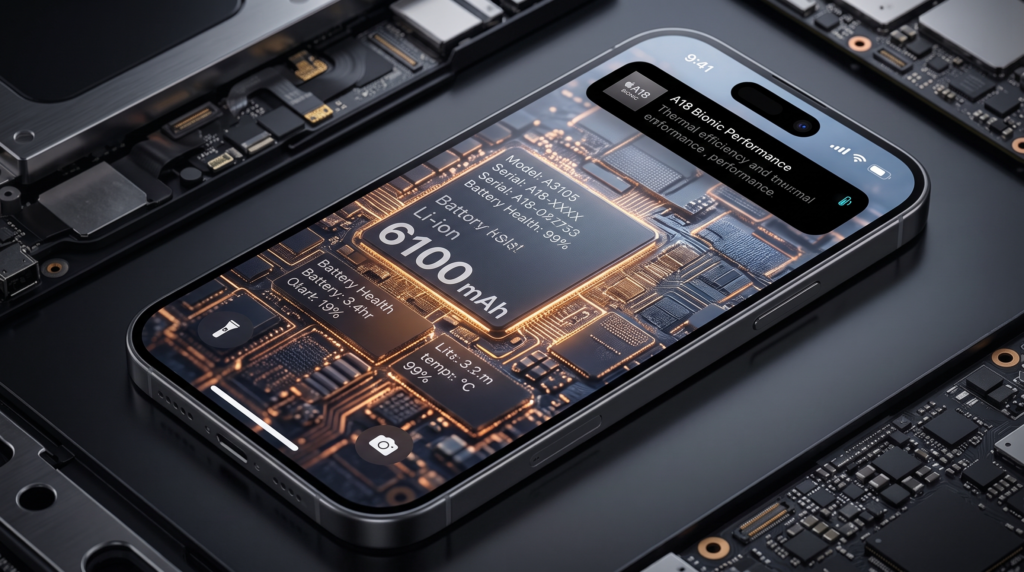
Managing background app activity, disabling unnecessary location services, and limiting push notifications can further reduce battery drain without affecting your everyday experience.
Charging your iPhone regularly without letting it reach extremely low battery levels can help maintain long-term battery health. Avoid exposing your device to excessive heat and use certified charging accessories for the best results.
Small changes in your daily habits can make a big difference in your iPhone’s battery life.
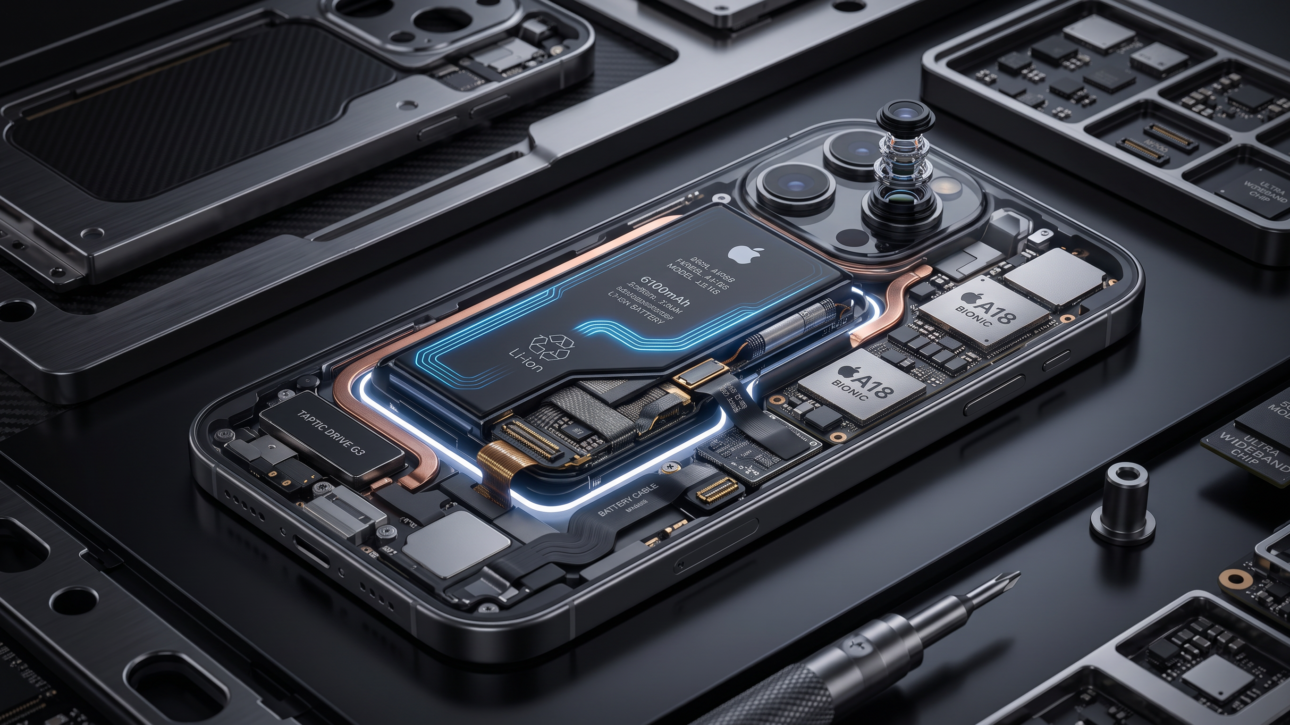
Using certified charging accessories and taking advantage of features like Optimized Battery Charging can also help reduce battery wear. This feature learns your charging routine and delays charging beyond 80% until you need to use your phone, reducing unnecessary stress on the battery.
Finally, check your Battery Health settings from time to time to monitor your battery’s maximum capacity and performance. Combining smart charging habits with efficient device settings will help you enjoy longer battery life, better performance, and a more reliable iPhone every day.
